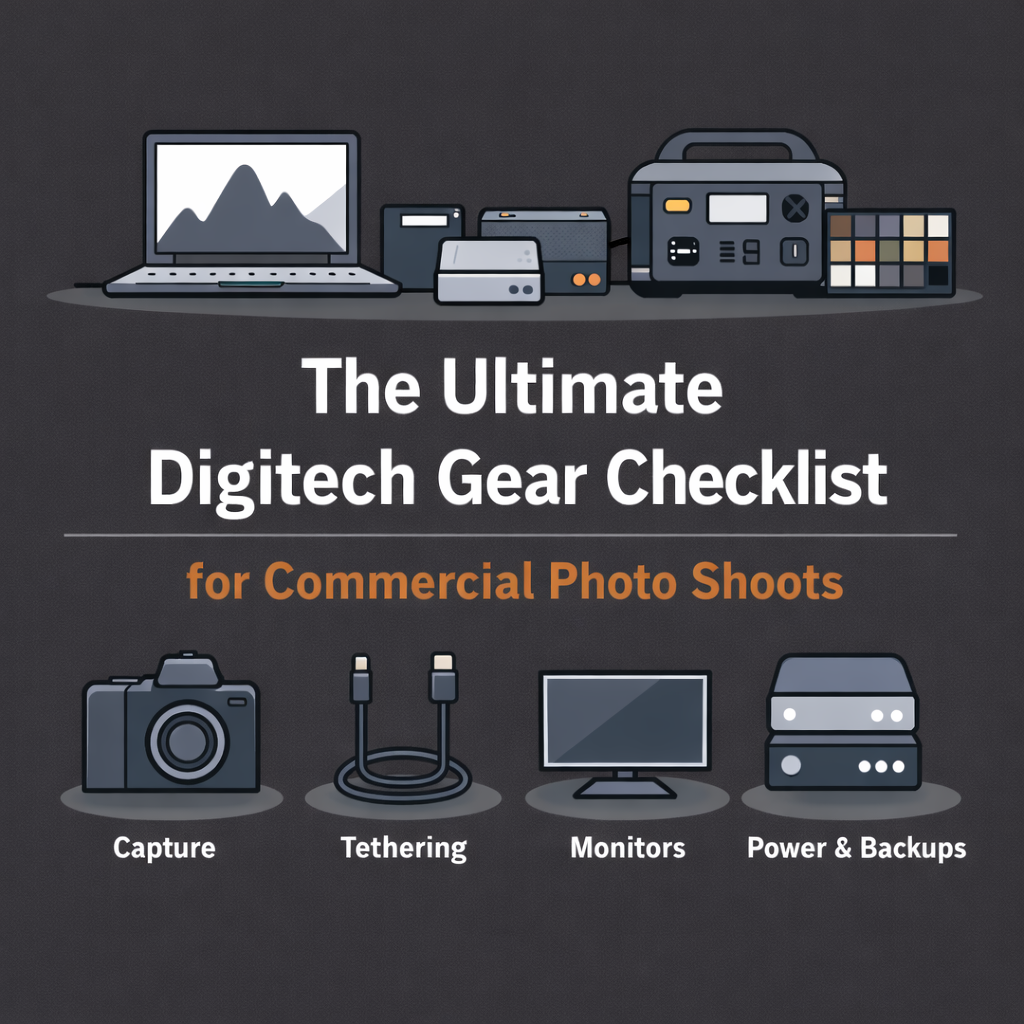
The Ultimate Digitech Gear Checklist
What a Professional Digitech Brings to a Commercial Set
A digitech’s value isn’t just knowledge—it’s preparedness.
On a commercial set, the right gear setup keeps the shoot moving, protects data, and prevents small issues from becoming expensive delays. While every digitech’s kit evolves over time, professional setups tend to follow the same core structure.
Here’s a comprehensive checklist of what a professional digitech brings to set—and why each category matters.
1. Core Computing & Capture Gear
This is the backbone of the entire workflow.
Essential items:
High-performance laptop (MacBook Pro or equivalent)
Capture software (typically Capture One)
Reliable card readers (multiple formats)
External SSDs for working drives
Dedicated backup drives
Why it matters:
Fast, stable capture ensures images appear instantly and are protected from the start.
2. Tethering & Connectivity
Tethering issues are one of the fastest ways to lose momentum on set.
Essential items:
High-quality tether cables (primary + backups)
Cable extensions
Tether blocks / cable strain relief
Cable clamps or anchors
Why it matters:
Stable tethering keeps everyone confident and focused. Redundancy prevents downtime.
3. Monitoring & Client Review
Client-facing monitoring shapes the on-set experience.
Essential items:
Color-accurate reference monitor
Monitor hood or light control
iPads or secondary displays for review
Stands or mounts for monitors and tablets
Why it matters:
Clean, consistent viewing leads to faster approvals and fewer misunderstandings.
4. Power & Battery Solutions
Power problems can stop a shoot instantly.
Essential items:
Portable power stations or battery backups
Power strips and extension cords
Spare charging cables and adapters
Why it matters:
Reliable power keeps the workstation running regardless of location.
5. Data Safety & Redundancy
Professional digitechs plan for failure—even if it never happens.
Essential items:
Dual-drive backup workflow
Clearly labeled drives
Drive cases or protective storage
Why it matters:
Data security protects the production, the client, and everyone’s reputation.
6. Color & Exposure Tools
Consistency starts on set—not in post.
Essential items:
Color checker or reference cards
Gray cards
Calibration tools (where applicable)
Why it matters:
Accurate references ensure smoother post-production and fewer revisions.
7. Cart, Stands & Physical Setup
Organization affects speed and confidence.
Essential items:
Digitech cart or workstation
Laptop and monitor stands
Adjustable height options
Why it matters:
A clean, ergonomic setup allows the digitech to work efficiently all day.
8. Tools, Accessories & Problem-Solvers
These items rarely get attention—until they’re needed.
Essential items:
Gaffer tape
Lens wipes and microfiber cloths
Multi-tool
Zip ties, clamps, Velcro straps
AA / AAA batteries
Why it matters:
Small fixes prevent big interruptions.
9. Software, Presets & Workflow Prep
Gear alone isn’t enough—systems matter.
Essential items:
Pre-built Capture One sessions
Naming conventions
Backup automation
Export recipes aligned with post needs
Why it matters:
Preparation before call time saves hours after wrap.
10. The Most Important Item: Experience
No checklist replaces experience.
A professional digitech brings:
Anticipation, not reaction
Calm under pressure
Clear communication
Respect for the production flow
Gear supports the job—but experience makes it seamless.
Final Thoughts
Every digitech kit is personal, but professional kits share one goal: eliminate friction.
When the gear is dialed in and the workflow is solid, the technical side of the shoot disappears—and the creative work takes center stage.
That’s the real mark of a professional digitech.